
Try it free for 30 days. No credit card needed, no subscription.
Windows PC or Android phone and tablet. Choose the version below.
Go to downloadUse your own address, not your child's. You set the password on the first device.
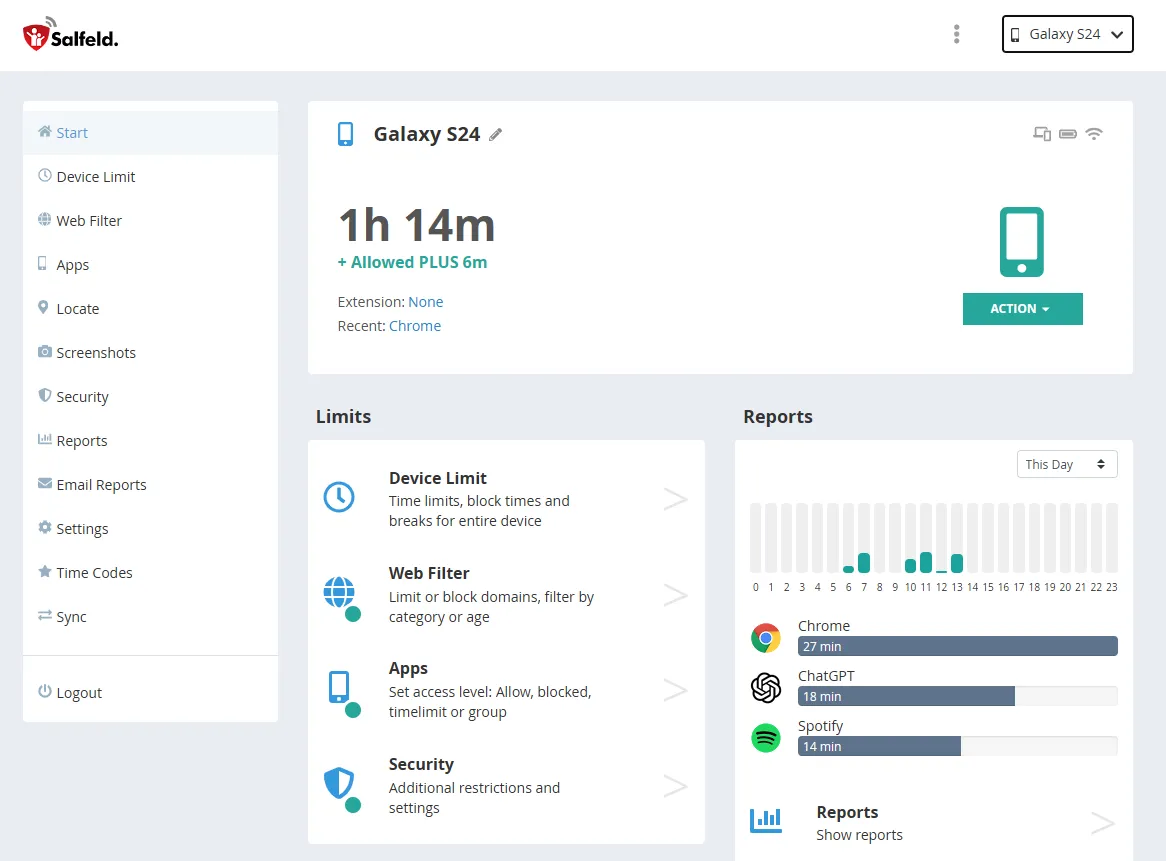
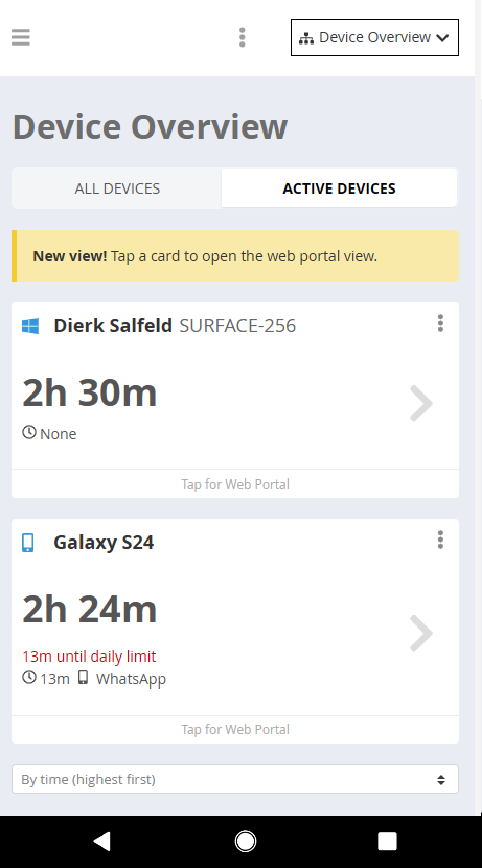
In the web portal from any browser, or in the parent app, you adjust limits and filters, view reports and check your child's location.
Tip! Two platforms, one web portal. With the Roaming feature you can track screen time across multiple devices under a single limit.
Android 7 to Android 17
Windows 10, Windows 11
Download the Windows version directly on your child's PC: salfeld.com/en/download
Download the latest version here — whether you already have a serial number/license key or just want to try the free trial. Simply choose your platform to get started.